What NKM Packer is for
NKM Packer เปลี่ยนไฟล์ของเพลงคาราโอเกะหนึ่งเพลงให้กลายเป็นไฟล์ .nkm แบบไฟล์เดียวที่พร้อมใช้งาน โดยออกแบบมาให้เตรียมทีละเพลงเป็นแพ็กเกจขนาดกะทัดรัด
เบื้องหลัง โปรแกรมจะวิเคราะห์และเตรียมข้อมูลที่เลือกอย่างละเอียด แล้วจึงบีบอัดเต็มที่ทุกครั้ง เพื่อให้ไฟล์เล็กลงอย่างมากโดยไม่ตัดข้อมูลเพลงทิ้ง
ดาวน์โหลด
Windows: NKM Packer.exe
MacOs: ไม่พร้อมใช้งาน
Compression that does more than combine files
Step 1: Select the files for one song
- 1
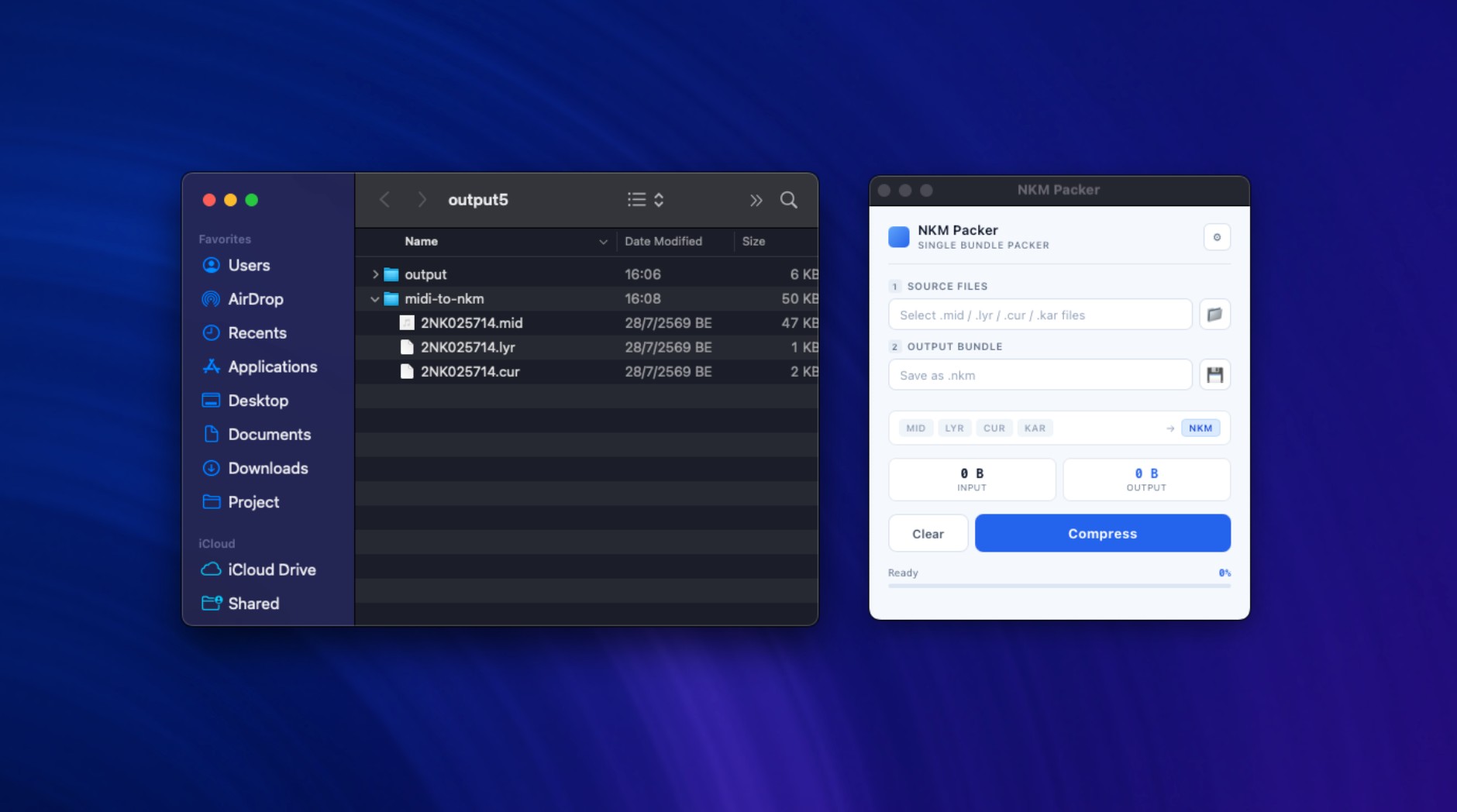
Open NKM Packer and click the folder button beside Source Files.
- 2
Select the files that belong to the same song. Supported inputs are .mid, .midi, .lyr, .cur, and .kar.
- 3
After selection, the format strip highlights the file types that were found and the output format is shown as NKM.
Step 2: Choose the single-file output
- 1
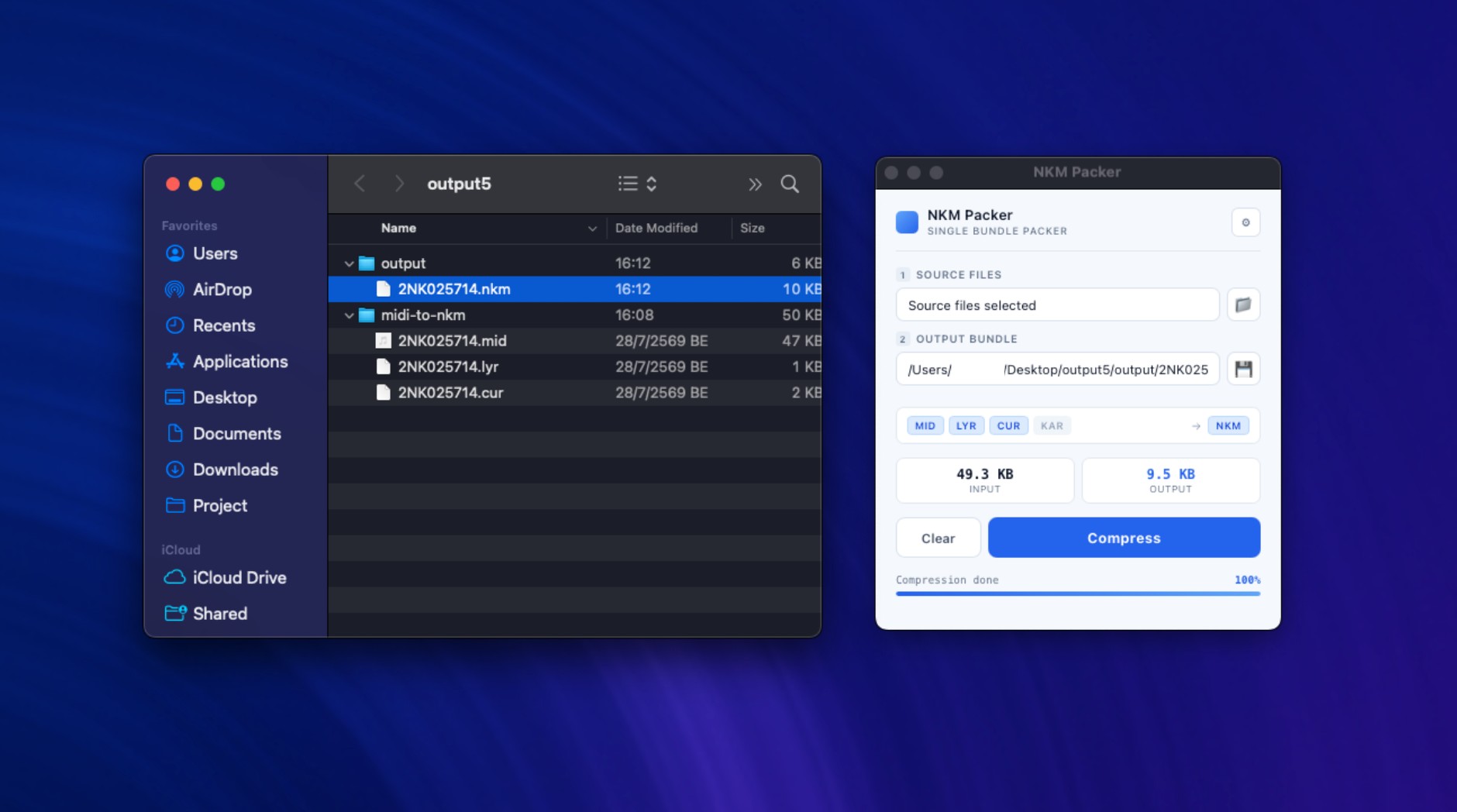
Click the save button beside Output Bundle and choose where to save the result.
- 2
Give the bundle a name. The program adds the .nkm extension automatically if it is missing.
- 3
Check the Input and Output cards. Output will remain empty until compression has completed.